Veymote cannot find my TV
Confirm that the phone and TV are on the same Wi-Fi network, disable any VPN that changes routing, and allow Veymote to use Local Network access. Try Quick Scan first, then Deep IP Scan or manual IP entry.
The TV is found but will not connect
Wake the TV and enable any manufacturer-required network remote, IP control, or developer option. Delete the old device record, pair again, and approve the new authorization prompt on the TV.
Some remote buttons are missing
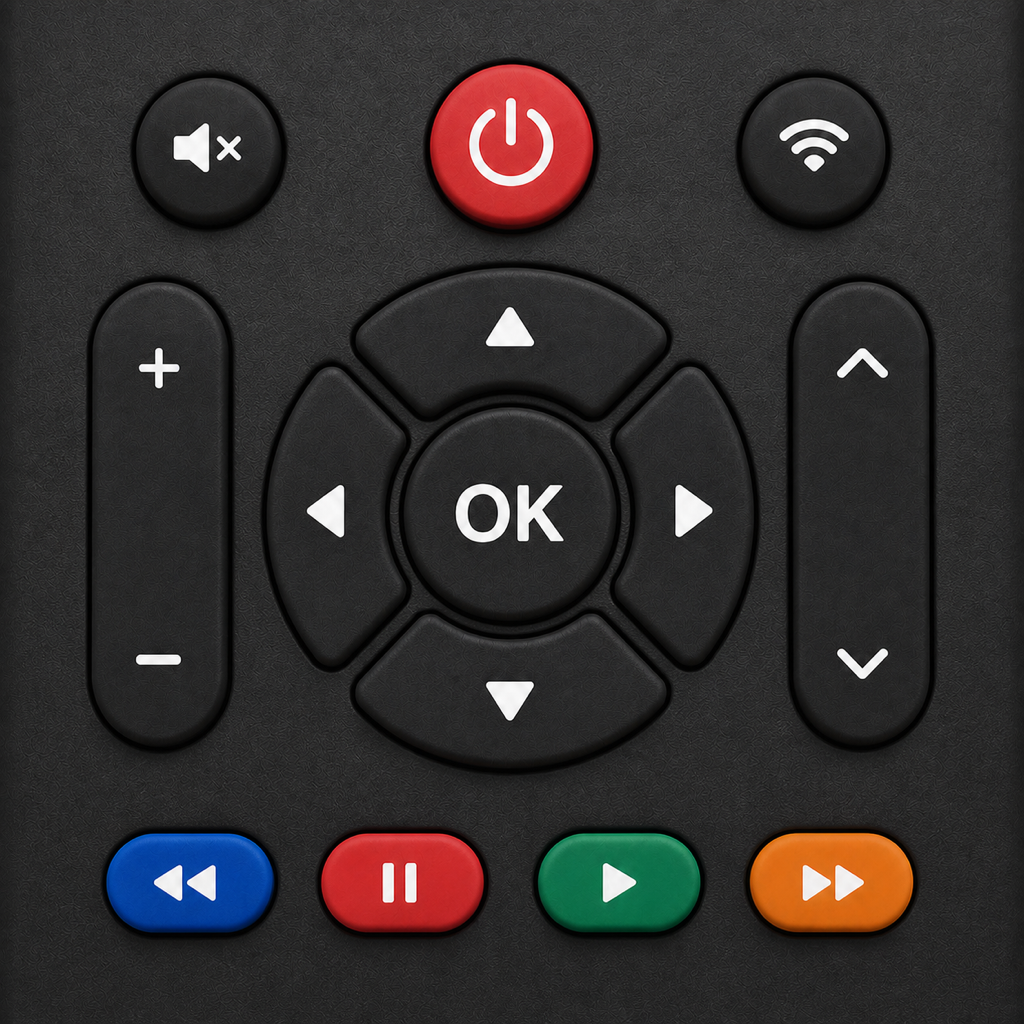
Buttons depend on the current TV protocol and the capabilities actually reported by the device. Some models or firmware versions do not support text, voice, inputs, channels, apps, or extended keys.
The power button cannot turn on the TV
Some TVs disable their network interface when powered off. Configure the correct MAC address and enable network standby or Wake-on-LAN on the TV. Keep both devices on the same local network during initial testing.
Casting or mirroring fails
Confirm that the receiver supports the selected media format and that client isolation is disabled. The screen-mirroring receiver URL works only on the same local network. Start a new session after stopping a broadcast.
IPTV will not play
Confirm that the source is a valid HTTP(S) M3U, M3U8, or media URL that you are authorized to access. The content provider controls playback quality, regional restrictions, and authentication.
Remote Pro is not unlocked after purchase
Make sure the App Store is using the Apple ID that made the purchase, then tap Restore Purchases on the Veymote paywall. If it still does not restore, contact support with the app version and a non-sensitive screenshot of the purchase status.
How do I delete local data?
Delete TVs, playlists, scenes, and favorites in the app, and revoke pairing on the TV. Uninstalling the app removes its sandbox data. Authorizations stored by the system or TV must be revoked separately.
Can an iPhone control an infrared-only TV?
iPhone does not include a general-purpose infrared transmitter. Veymote controls compatible smart TVs over local-network protocols and cannot control a TV that supports only a traditional infrared receiver.